How to Program a Ham Radio Without a Computer: A Model-Specific Front-Panel Method
How To Program Ham Radio Without Computer

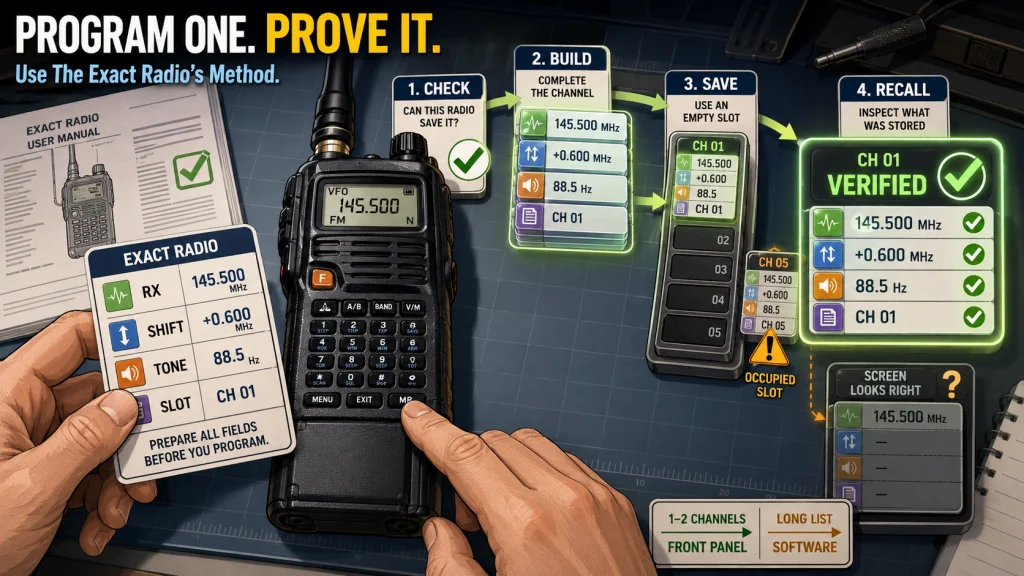
You can program a ham radio without a computer when the exact radio supports front-panel memory editing and you only need to add or change a small number of channels. The reliable method is not a universal button sequence. First confirm what the radio can save from its controls, write down the complete channel data, … Read more
How to Use CHIRP for Ham Radio: A Safe Download, Edit, and Upload Workflow

How To Use Chirp Ham Radio

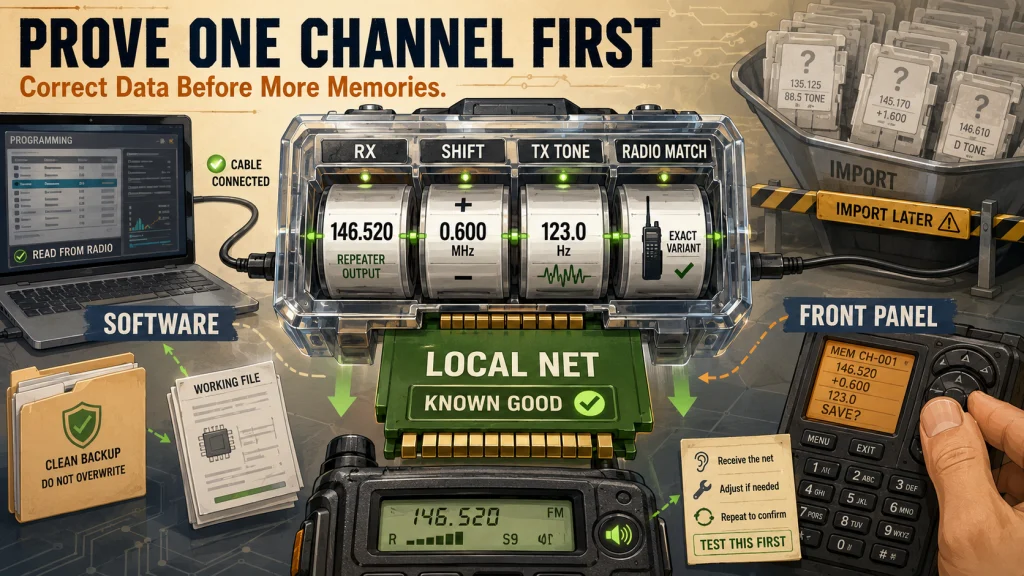
The safest way to program a ham radio with CHIRP is to confirm exact support, download first, save a clean backup, edit the downloaded image, validate transmit-related fields, and only then upload. A blank spreadsheet, similar-looking model profile, or assumed cable driver can cause connection failures or a damaged configuration. This guide covers CHIRP-next, CSV … Read more

Ham Radio Programming Guide: CHIRP, Front-Panel Entry, Repeater Data, and Tone Settings

Ham Radio Programming Guide

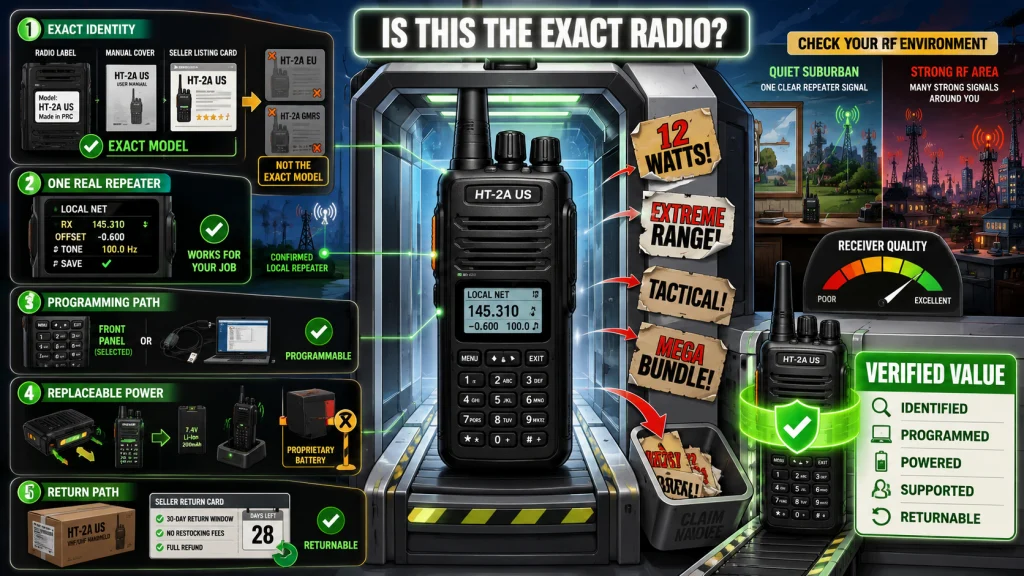
A reliable ham radio programming guide should start with the radio and the repeater data, not with the software. Confirm the exact radio variant, choose CHIRP or front-panel entry based on what that radio supports, and verify the repeater’s output, offset, and access tone before saving anything. Program and test one channel first, keep a … Read more